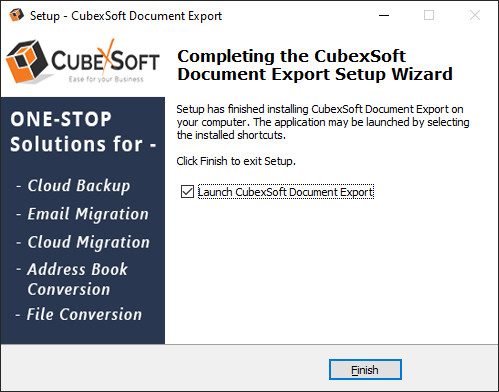
CubexSoft Document Converter Tool
Install Software

Installation Guide of Document Converter Tool
Follow given below steps for proper installation of Document Converter Tool
- Download installer file of Document Converter from the website – https://www.cubexsoft.com/document-converter/
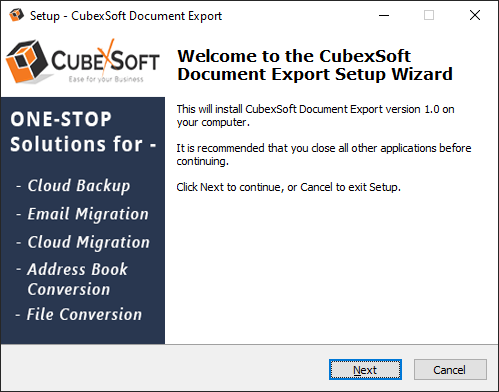
- Now double click on the cubexsoft-document-export.exe file. A new window will open, click Next button to move to next step.
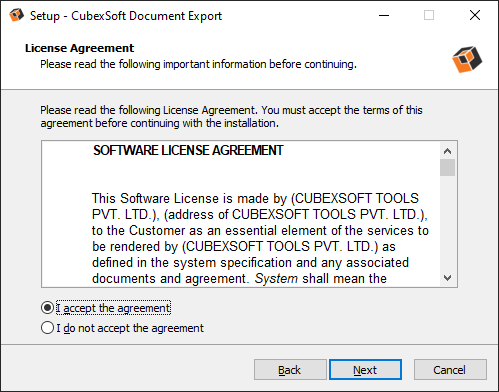
- Once you click the Next button, software license agreement window will appear. Select "I accept the Agreement" Option and Click on Next Button.
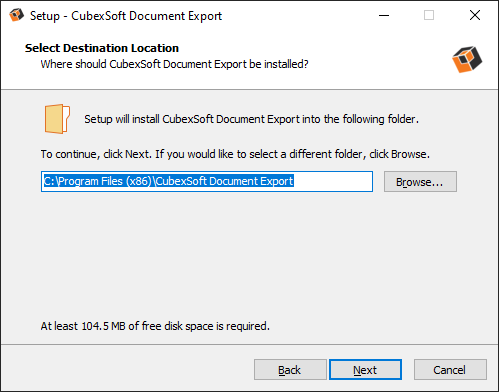
- • Click on Browse button and select location where you want to save the software and click on Next.
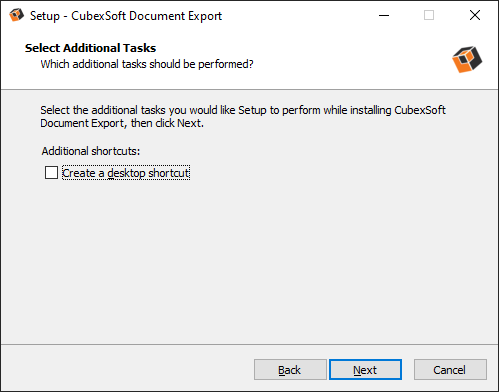
- • Choose the Additional Shortcuts which suits you for installing the software and click on “NEXT”
- • Click on Install button to start the installation process.
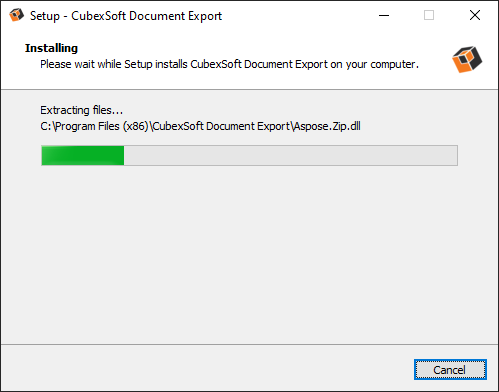
- • The Tool Installation will be started with green status bar